
Stay undisturbed in meetings when calls come in from other applications.
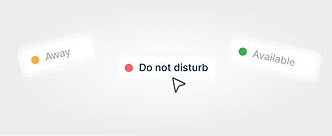
Consistent availability indicators prevent misunderstandings and improve workflow.

Incoming calls from different platforms no longer cause collisions.
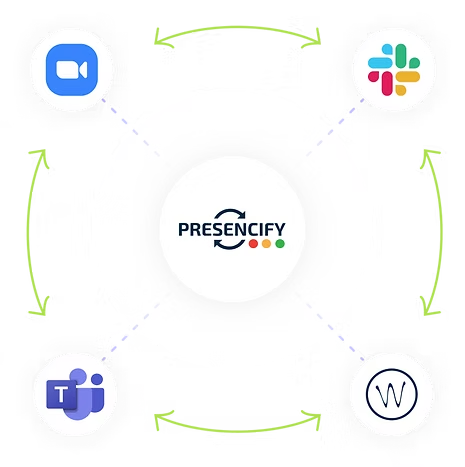
Presencify synchronises your presence status across Microsoft Teams, Zoom, Slack and Wildix in real time.
You always know whether your contacts are available, busy or away. Optimise your team communication and avoid unnecessary interruptions.
Your presence status dynamically adjusts across all systems based on your activity, availability and manual changes in the master system.
Get started
Setup Coordination, Concept Design
(Call Groups, Teams Channels)
Service Activation, Technical Configuration
Ongoing maintenance and operation support.
To use Presencify, you need a compatible telephone system (e.g. Swyx or innovaphone) and a Microsoft Teams environment. You also need a Presencify connector, which acts as a link between your telephone system and Teams.
Presencify's status synchronisation works by automatically synchronising your presence status from Microsoft Teams (e.g. “In a meeting”, “Away”, “Do not disturb”) with your telephone system.
Yes, your communication with Presencify is secure. Presencify uses modern encryption standards and operates in compliance with the GDPR to ensure the security of your data at all times.
Yes, Presencify can also be used on mobile devices. Status synchronisation works independently of the end device – whether on a PC, laptop or smartphone.
Presencify can be set up quickly and easily using a connector that connects your telephone system to Microsoft Teams. Your IT partner or administrator will usually take care of the installation.